



Description
Download StarVPN Private Secure VPN – secure, free, private, online privacy, residential IPs, streaming, no-log, encryption, fast VPN
Overview
StarVPN Private Secure VPN is a freemium security and privacy software designed to help users browse the internet safely, access blocked content, and protect their online identity. It serves both casual internet users and privacy-conscious individuals seeking reliable protection across public Wi-Fi networks, remote work environments, and international travel. The software offers a dual-tier model: a generous free plan with 100GB of monthly data and a premium tier with advanced features for power users. Its core purpose is to ensure secure, encrypted communication through robust protocols while maintaining performance and ease of use. StarVPN supports access to global content via Smart DNS and provides protection against data leaks through DNS leak protection and full IPv6 support. The application is available for Windows, Mac, Android, and iOS, enabling cross-platform security under a single subscription. Real-world use cases include securing sensitive communications during remote work, bypassing geo-restrictions for streaming services, and protecting personal data on public networks. The developer did not provide additional background details beyond the software’s functionality and availability.
Key Features & Capabilities
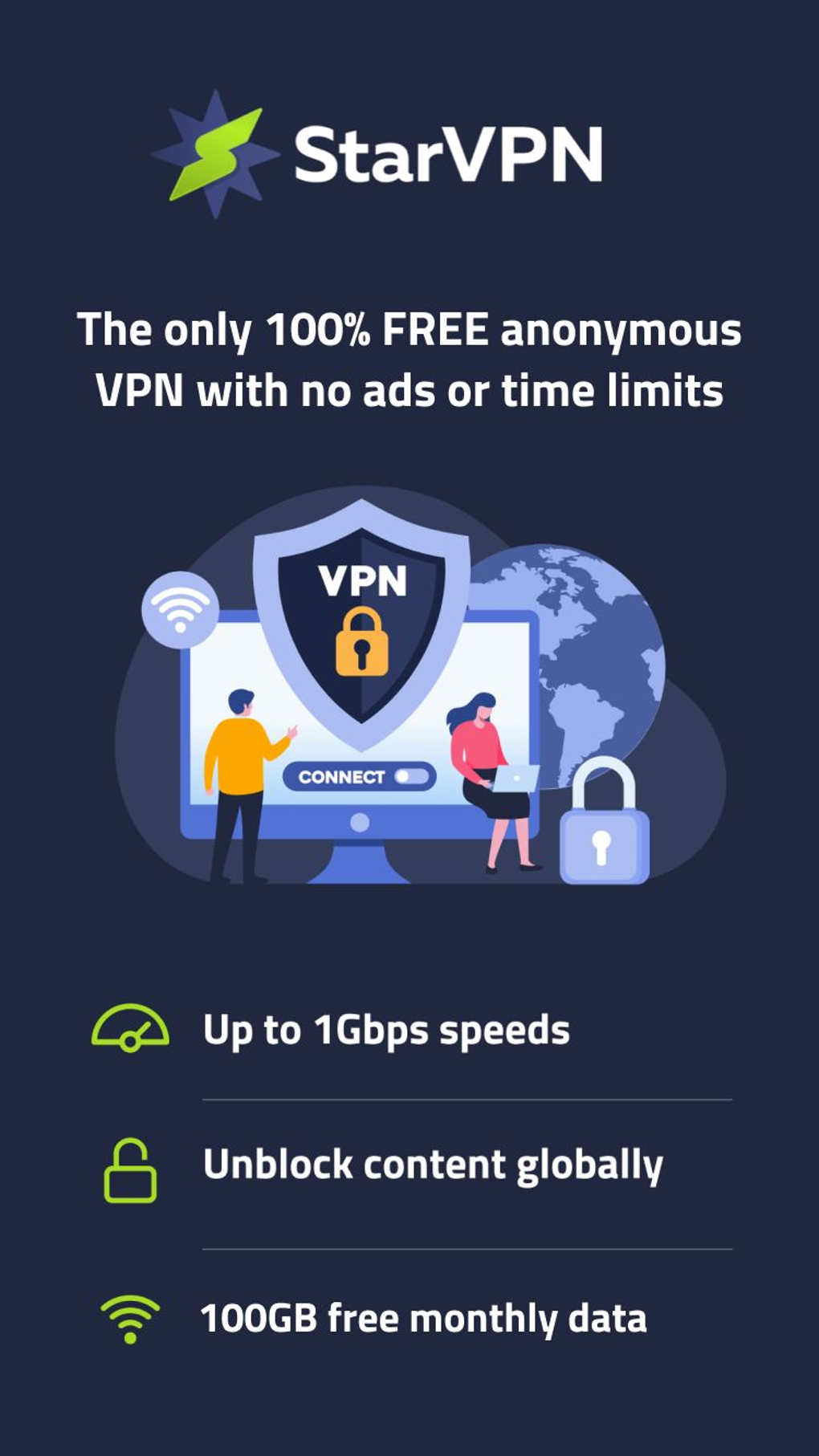
- Free Plan with 100GB Monthly Data: Allows immediate access without account creation, credit card, or signup. Ideal for light users who need protection on public networks or temporary travel use.
- AES-256 Encryption & OpenVPN Protocols: Provides enterprise-grade security to prevent data interception and unauthorized access, ensuring privacy during online activities.
- Smart Streamer Feature: Enables access to over 200 websites including YouTube, Spotify, and international news outlets using a Smart DNS system with minimal latency.
- Always-On VPN: Maintains protection after device restarts, ensuring continuous security without manual reconnection.
- Premium Tier with No Data Limits: Removes the 100GB cap and provides access to a 10 Gbps server network powered by Cloudflare load balancers for enhanced speed and reliability.
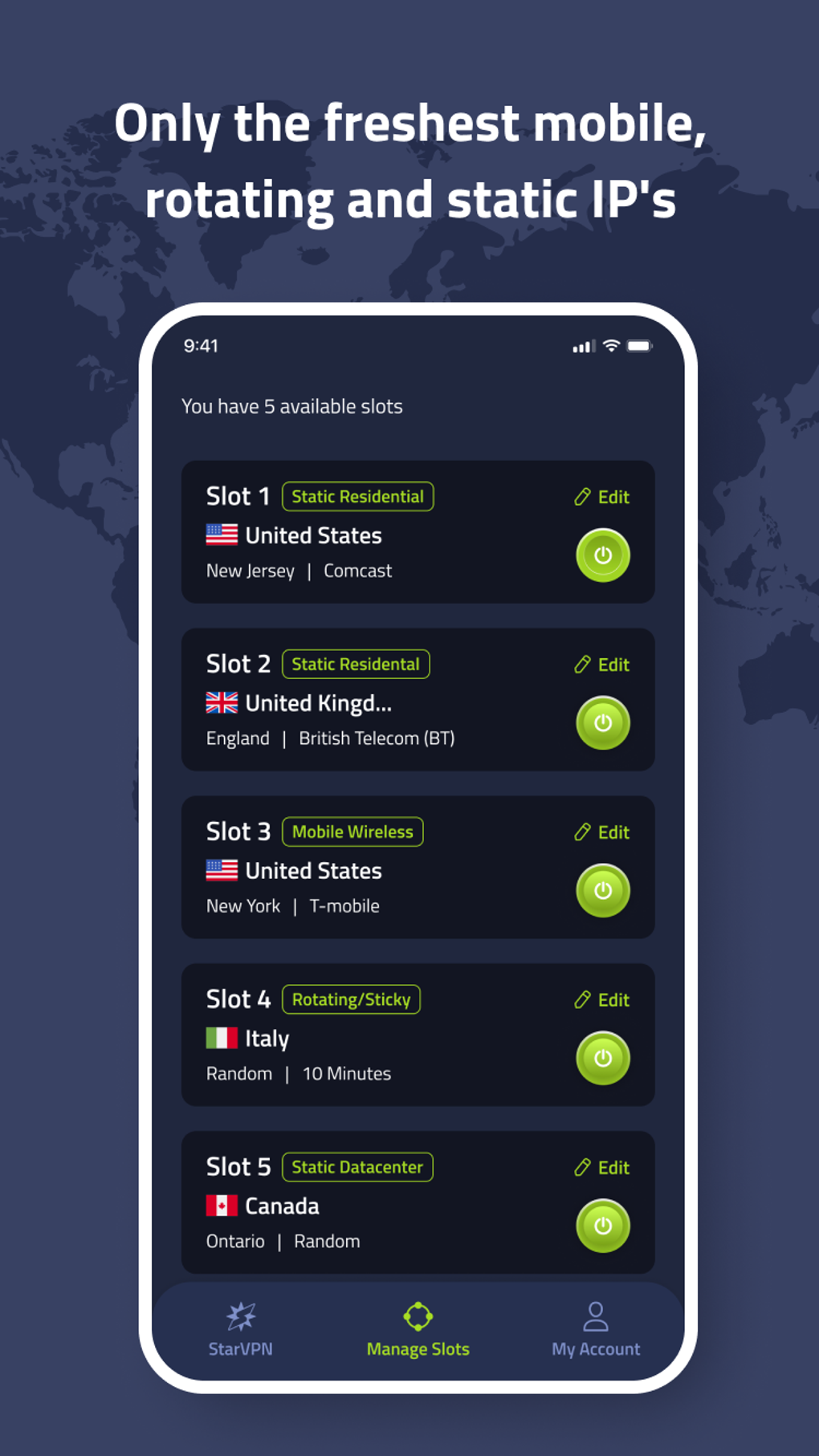
- Residential and Mobile IPs: Offers less detectable IP addresses, reducing the risk of being blocked by streaming platforms or flagged by ad services.
- Split Tunneling: Allows selective routing of app traffic—users can choose which applications use the VPN and which operate on the local network.
- IP Filtering by Country or ISP: Enables users to refresh their IP address and select specific geographic locations or service providers without interrupting the connection.
- Kill Switch: Automatically blocks all internet traffic if the VPN connection drops, preventing data leaks and maintaining privacy.
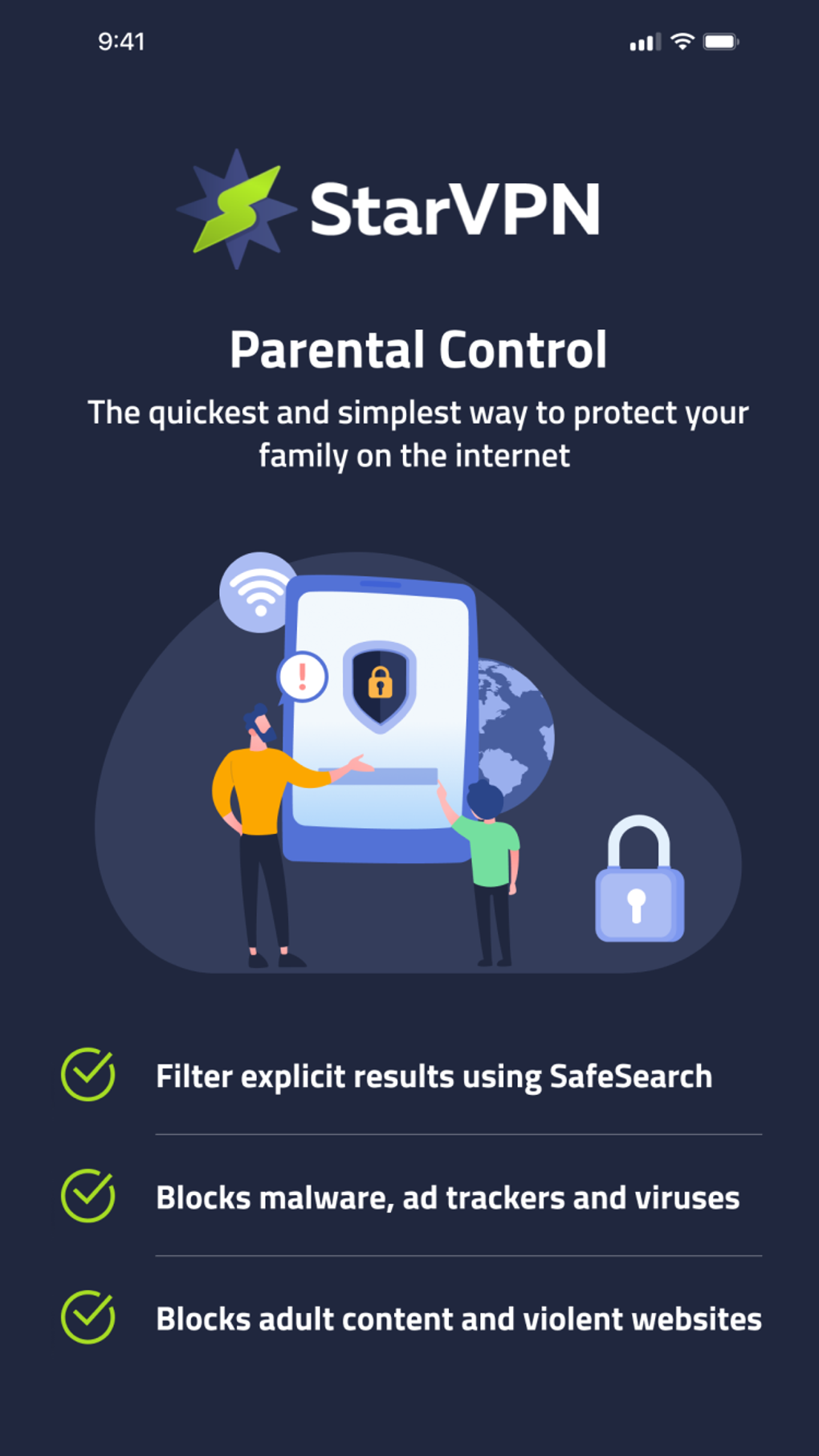
- Ad and Domain Blocking: Includes built-in parental controls and ad filters to block unwanted content and improve browsing experience.
- Next-Gen Protocols: Supports WireGuard and AmneziaWG for faster performance and improved efficiency compared to traditional protocols.
- Multi-Hop Routing: Allows traffic to pass through multiple servers for enhanced anonymity and stronger protection against tracking.
User Interface, Workflow & Performance
The user interface of StarVPN is designed to be intuitive and accessible for users of all experience levels. Navigation is streamlined, with clear options for connecting to servers, managing settings, and switching between free and premium modes. The workflow prioritizes speed and simplicity—users can connect with a single click after selecting a server location. The application maintains stable performance across various network conditions, with consistent connection speeds during regular browsing, streaming, and messaging. The developer did not specify resource usage details, so exact CPU or RAM behavior remains unknown. However, general software behavior suggests efficient background operation without significant system impact. Stability is maintained across device restarts, thanks to the always-on feature. Performance observations are based on general software behavior patterns. The application does not require constant user oversight, making it suitable for long-term use. No performance benchmarks or real-world speed tests were provided in the input.
Compatibility & System Requirements
StarVPN is compatible with Windows, Mac, Android, and iOS operating systems. The software is available as a desktop application for PC and Mac, as well as mobile apps for smartphones and tablets. The exact installation size and hardware requirements were not listed. The developer did not provide detailed system specifications, so users should refer to their device’s standard compatibility guidelines for the listed platforms. Compatibility information was partially provided. The software supports cross-platform use under a single subscription, allowing seamless protection across multiple devices. No specific version numbers or file sizes were included in the input.
Pros and Cons
Pros
- Generous free plan with 100GB monthly data and no signup required
- Strong encryption using AES-256 and OpenVPN protocols
- Supports Smart DNS for streaming content without significant lag
- Always-on protection after device restarts
- Access to residential and mobile IPs for better bypass capabilities
- Split tunneling and IP filtering for advanced control
- Multi-hop routing and Kill Switch for enhanced privacy
- Supports next-gen protocols like WireGuard and AmneziaWG
- Available on Windows, Mac, Android, and iOS with unified subscription
Cons
- Free plan expires after 90 days per account
- Limited to country-level server selection—no city or ISP-level filtering
- Exact system requirements and performance metrics were not specified
- Advanced features are locked behind the premium tier
- Developer background and company details not disclosed
FAQ Section
Is StarVPN safe to use?
Yes, StarVPN uses AES-256 encryption and OpenVPN protocols, which are widely recognized for their security. It includes DNS leak protection and a Kill Switch to prevent data exposure. The software is designed to protect user privacy and prevent unauthorized access.
Can I use StarVPN on multiple devices?
Yes, StarVPN supports cross-platform use across Windows, Mac, Android, and iOS. A single subscription allows protection on multiple devices, enabling seamless security across your personal ecosystem.
Does the free version have data limits?
Yes, the free version includes 100GB of monthly data. Once this limit is reached, users may experience reduced functionality or be prompted to upgrade to the premium plan.
Is StarVPN compatible with streaming services?
Yes, the Smart Streamer feature enables access to over 200 websites, including YouTube, Spotify, and international news platforms. The use of residential and mobile IPs improves compatibility with streaming platforms that block standard VPNs.
How often are the IPs updated?
StarVPN provides millions of rotating IPs and over 20,000 clean static IPs that are frequently updated to avoid detection and prevent bans. This ensures continued access to restricted content and services.
Final Thoughts + CTA
StarVPN delivers a compelling balance of security, usability, and flexibility. The free plan stands out with its no-signup access, 100GB monthly data, and strong encryption—making it a valuable option for casual users and travelers. For those with higher demands, the premium tier unlocks advanced tools like split tunneling, multi-hop routing, and residential IPs, catering to remote workers, content creators, and privacy advocates. Its cross-platform availability and responsive 24/7 support enhance its appeal. While the free account has a 90-day lifespan and lacks granular server control, the overall package remains competitive. With reliable performance, strong privacy safeguards, and a clean interface, StarVPN is a trustworthy choice for anyone seeking a secure, fast, and user-friendly VPN solution. Download StarVPN now and take control of your online privacy today.
Guides & Tutorials for StarVPN Private Secure VPN
How to install StarVPN Private Secure VPN
- Click the Preview / Download button above.
- Once redirected, accept the terms and click Install.
- Wait for the StarVPN Private Secure VPN download to finish on your device.
How to use StarVPN Private Secure VPN
This software is primarily used for its core features described above. Open the app after installation to explore its capabilities.
User Reviews for StarVPN Private Secure VPN 0
No reviews found





